How to add custom fonts to your iOS app in Swift with UIFont
This tutorial will give an example of how to add a custom font to your iOS app that you can use in UIFont, UILabel, UITextView, etc.
- Open Info.plist
- Right click and choose “Add Row”.
- Start typing and select “Fonts provided by application”.
- Expand the row and next to Item 0 in the Value field enter the name of the font.
- Don’t forget to add the font file to your project and set its target. You can place it in a new folder called “Resources”.
iOS 11 App Store Search Results Include Developer Page
For iOS 11 Apple stated that the App Store will have Enhanced Search which will include “developers, in-app purchases, categories, editorial stories, tips and tricks, and collections”. In the past, if you searched for a developer name the App Store would show those developers’ apps in the search results.
In iOS 11 if you search for a developer by their name, the first search result will feature a page dedicated to that developer with a collage of icons generated from their apps. It appears that the most recently updated app icon is centered with the next recently updated app icons partially displayed around them. If the app developer only has a single app then that single app is displayed as normal without the developer page.
How to use Content Hosting for In-App Purchase Content
Apple allows apps developers to host their In-App Purchase Content on Apple’s servers. To set up Content Hosting you will need to use iTunes Connect, Xcode and the Application Loader. The IAP must be non-consumable to take advantage of content hosting.
iTunes Connect
Go to your app in iTunes Connect, then select Features, In-App Purchases. Create a new In-App Purchase or select an existing one. In the Content Hosting section, press “Turn On Content Hosting”.
How to create a Today Widget for your iOS App in Swift
This tutorial explains how to create a new Today Widget for iOS in Swift 3 using App Extensions in Xcode. It covers how to import pods, set up entitlements for inter-app communication via user defaults and custom url schemes. It also explains how to remove the existing storyboard and implement the today widget view programmatically instead of using Auto-Layout.
Create the Widget
First, Select your project and then create a new target via File, New, Target…
Deep Linking to the iOS App Store
Deep link to an app in the app store:
https://itunes.apple.com/app/id<APP_ID>
Deep link to an apps “Reviews” tab in the app store:
https://itunes.apple.com/WebObjects/MZStore.woa/wa/viewContentsUserReviews?id=<APP_ID>&pageNumber=0&sortOrdering=2&type=Purple+Software&mt=8
Deep link to an apps “Write a Review” page in the app store:
https://itunes.apple.com/app/id<APP_ID><span>?action=write-review</span>
Source: https://developer.apple.com/reference/storekit/skstorereviewcontroller/2851536-requestreview
Deep link to all apps by a developer in the app store:
itms-apps://itunes.apple.com/developer/<DEVELOPER_NAME>/id<DEVELOPER_ID>
Remember to replace <APP_ID> with the actual app’s Apple ID. Note that if you are deep linking from the iPhone or iPad you can replace the https:// with itms-apps:// to avoid a redirects.
Maximum String Length for Common Database Fields
When designing a database schema you often have to make decisions on a fields length. Rather then just guess at a number, use the maximum possible value that could conceivably be used for the field. Below is a chart of common database fields such as email address, city, zip code and country name and the maximum possible length value that can be used.
| Field Name |
| email address |
| city |
| zip code |
| country |
How to set the name of the sender/from/source in Amazon SES
If you are using Amazon Simple Email Service via AWS you can make your emails appear more professional by setting the from name to either a person or company name instead of just the from email address.
To accomplish this via the command line, SDK, or API simply replace the source email address “[email protected]” with “Company Name [email protected]”.
iTunes Search API Country Codes
The iTunes Search API takes a country code. There are 28 languages that the iOS App Store can be localized into. Below are the ISO 3166-1 alpha-2 country codes for 25 of the main countries that can be used in the country parameter in the iTunes Search API.
CN DK NL AT CA US GB FI FR DE GR ID IT JP KR MY BR PT RU MX ES SE TH TR VN
How to align UIView to topLayoutGuide in SnapKit
Use topLayoutGuide.snp.bottom to align your UIView to the bottom of the navigation bar or the bottom of the status bar in Swift 3 while using the SnapKit pod.
Use bottomLayoutGuide.snp.top to align your UIView to the top of the tab bar.
How to get expansion APK files with downloader library and market licensing modules to work in Android Studio
Google gives an overview of what expansion APK files are along with some sample code. However, getting started can be tricky. Here is an easier to understand set of instructions for importing the necessary libraries as modules in Android Studio.
The following instructions were tested with Android Studio version 2.2.3 on a mac. Note that on a mac the Android sdk folder is at /Library/Android/sdk/ or at /Users/[USER]/Library/Android/sdk/.
Download libraries
- Android Studio…Preferences…Appearance & Behavior…System Settings…Android SDK.
- Under SDK Tools, select “Google Play APK Expansion library” and “Google Play Licensing Library”. Press Apply to install packages… Accept License and Install.
Import market_licensing library
- File…New…Import Module…
- Browse to <ANDROID_SDK>/extras/google/market_licensing/library/, Press Open.
- Rename Module name from library to market_licensing, Press Next, then Finish
Import downloader_library
- Open the <ANDROID_SDK>/extras/google/market_apk_expansion/downloader_library/project.properties file and delete the last line that reads “
android.library.reference.1=../market_licensing.” - File…New…Import Module…
- Browse to <ANDROID_SDK>/extras/google/market_apk_expansion/downloader_library/, Press Open, then Next, then Finish
iOS views/APIs and their corresponding Android views/APIs
If you are used to programming in iOS and need to write an Android app or vice versa here is a list of iOS views and their equivalent views on android. You can also use this list to infer the corresponding View Controller and Activity.
| iOS |
| UITableView |
| UICollectionView |
API’s below
| iOS |
| MPNowPlayingInfoCenter |
| MPRemoteCommandCenter |
| NSNotificationCenter |
| NSTimer |
How to programmatically play audio even when iOS device is muted
If you want to play the sound from a video or audio clip even when the iPhone or iPad device is muted you can use AVAudioSession to accomplish the task. This will make your app work similar to YouTube.
You will want to set the AVAudioSession category to AVAudioSessionCategoryPlayback. The session is a singleton so you only need to set it once, either shortly after app launch or prior to your audio or video playing.
How to add a new user to your iTunes Connect account
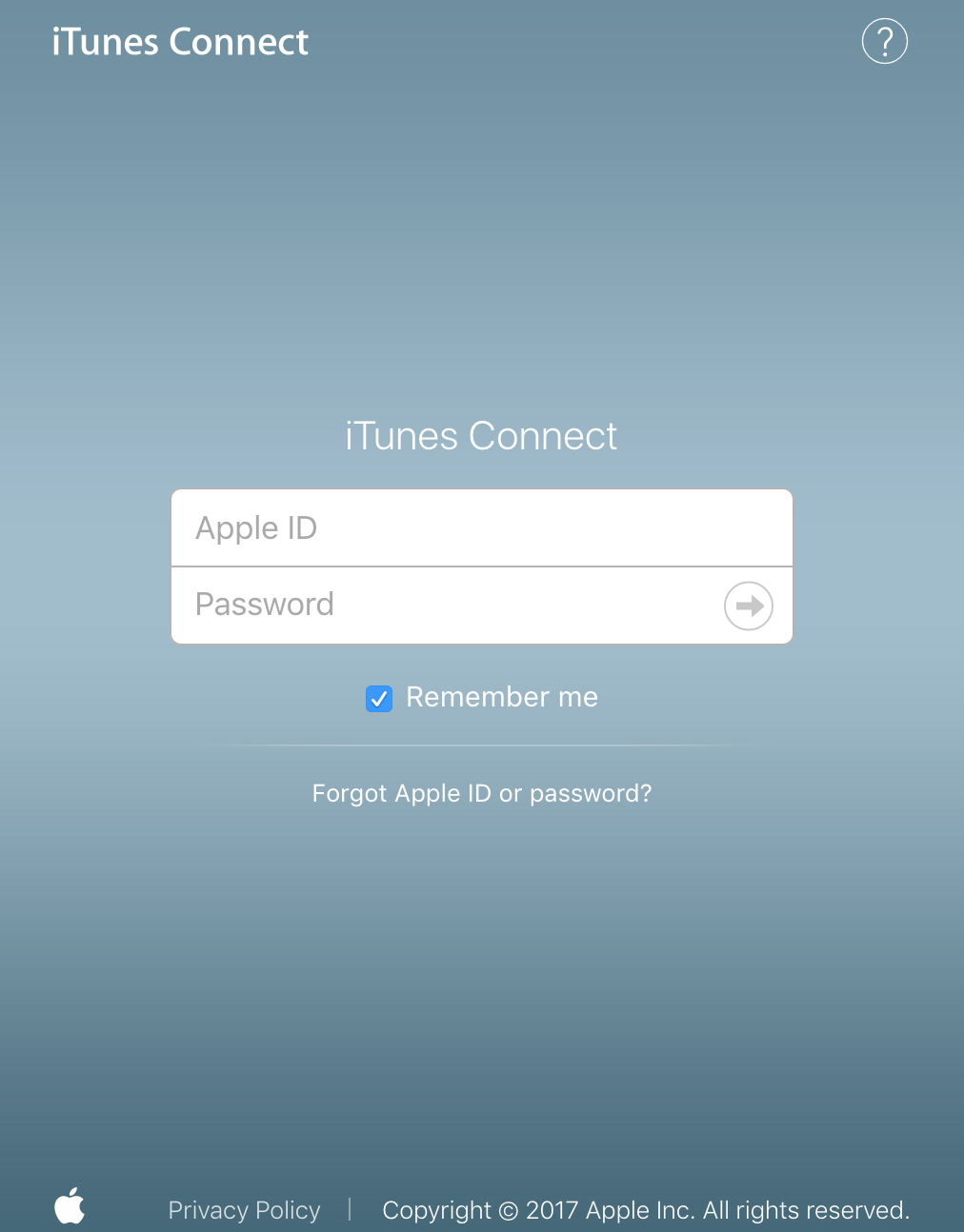
First go to https://itunesconnect.apple.com/ and login.
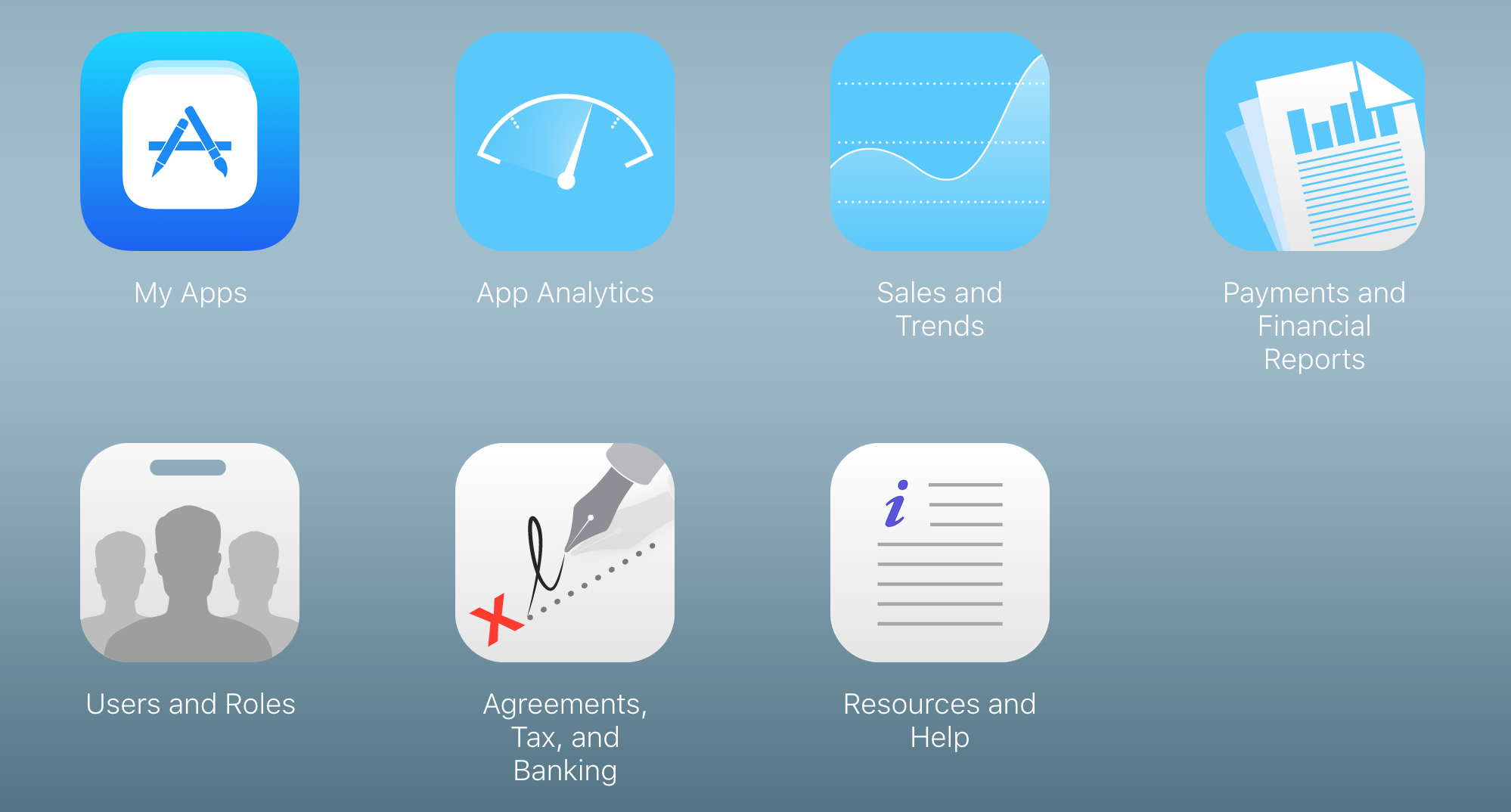
Second, select the “Users and Roles” icon.
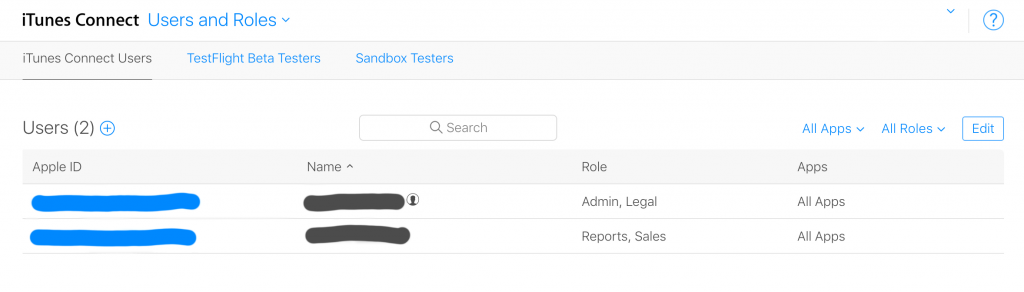
Third, press the + plus button to the right of User () to add a new user. Enter their name and email address.
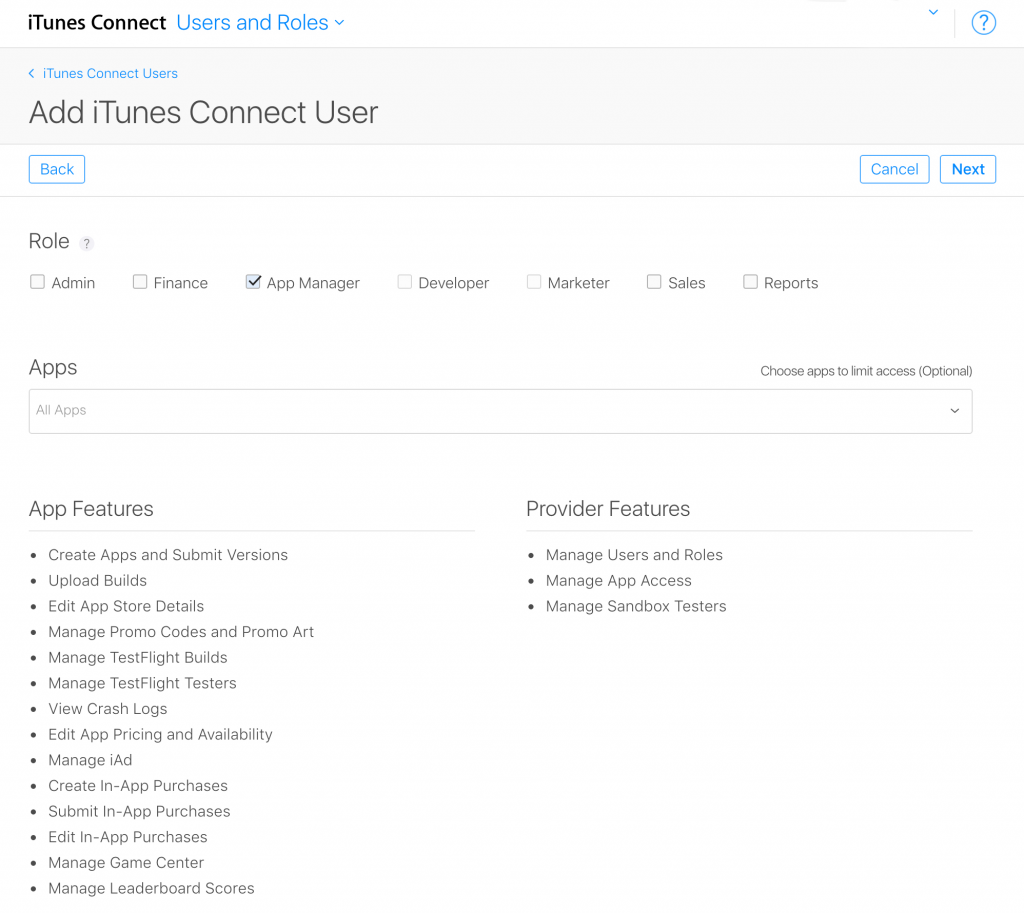
Select the role or roles to give the new user.
Lastly, select which email notifications they should receive.
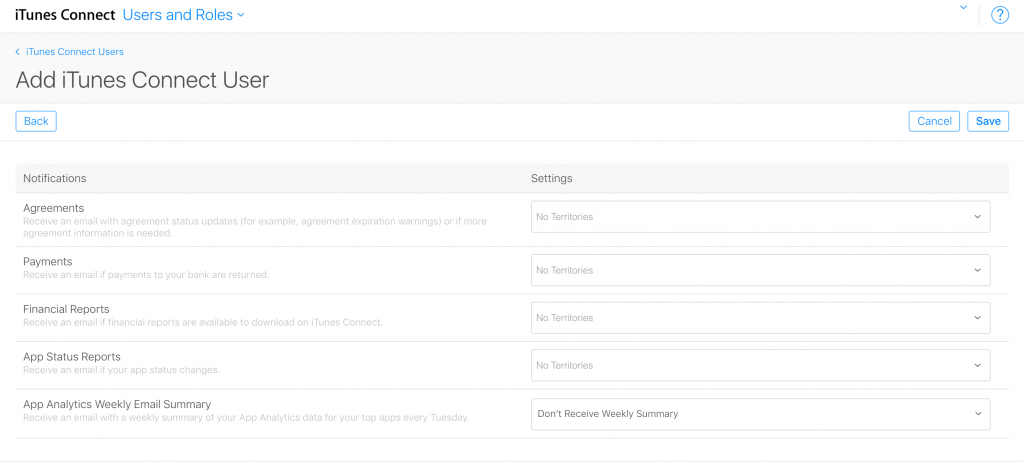
If you are hooking up a cloud reporting service such as App Annie or appfigures to your iTunes account, you should probably create a new user with the Sales and Reports Roles only.
Nginx configuration for secure go server behind a proxy
It is good practice to run your go web server in a non-root environment. However, if your web server isn’t root then it can’t bind to port 80. One solution is to use nginx as a proxy to listen on ports 80 and 443 for http/https traffic and forward them to your go server running on a higher port such has 8000, 8080 or 9000.
Digital Ocean has a good tutorial on how to install Nginx. It also has a good tutorial on setting up your SSL certificates. I recommend using namecheap to purchase your SSL certificates.
How to use the Attribution API for tracking installs via Apple Search Ads
Apple Search Ads is one of the many new introductions to the App Store for 2016. The new search ads allow developers and marketers to promote their iOS Apps at the top of App Store search results by bidding on search keywords.
You bid on how much you are willing to pay for a user to tap on your ad. For the most part you want to keep the average cost per acquisition (Avg CPA) below the lifetime value of a user. Lloyd Melnick blog defines LTV as consisting of three components: monetization, retention and virality. If you have a premium or paid up front app the monetization calculation is fairly straight forward, as it is simply the price of the app minus Apple’s 30% cut and any applicable taxes.